
Cloud desktopsfor AI agents.
$20 a month for 4 CPU and 8 GB of RAM. Persistent or disposable, driven through an API, SDK or MCP, with you able to take over any time.
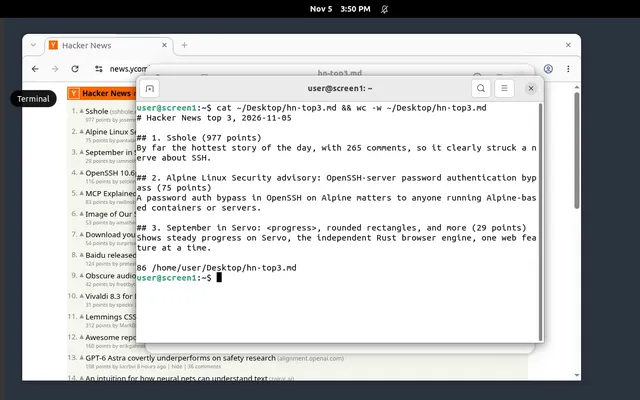
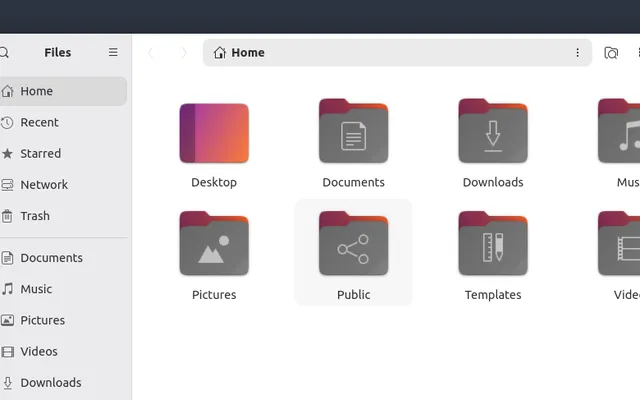
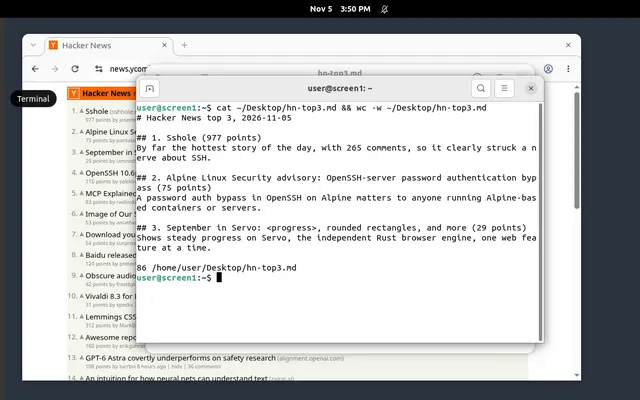
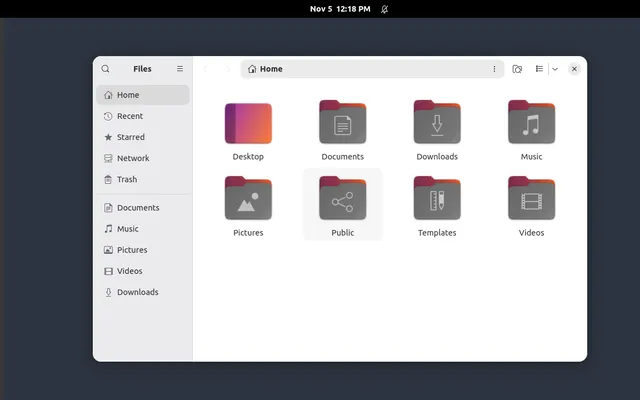
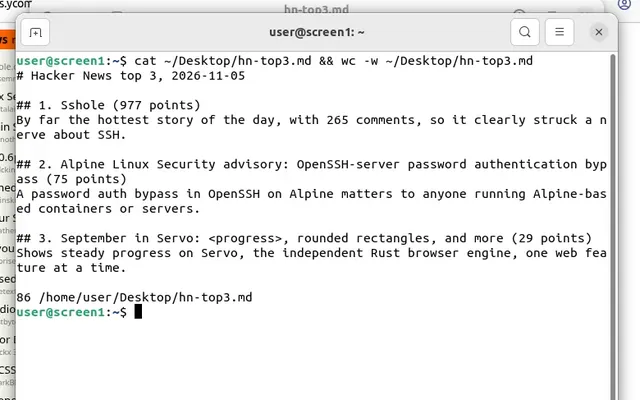
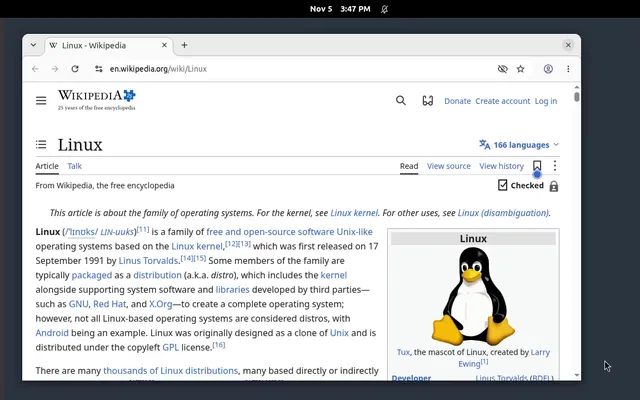
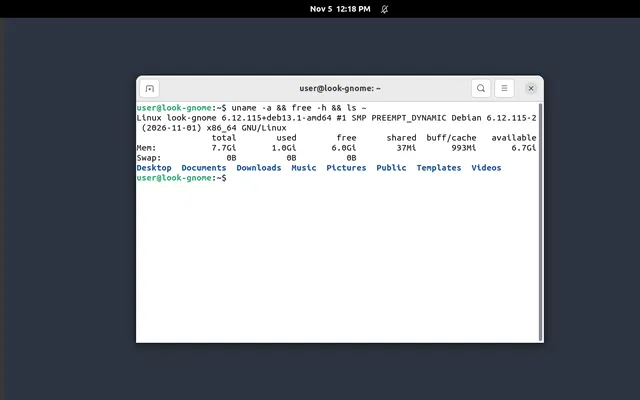
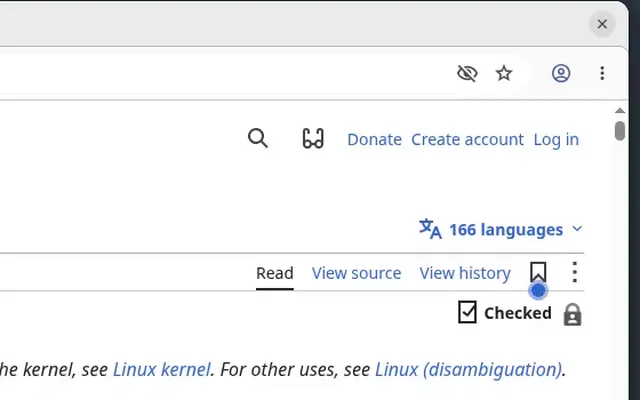
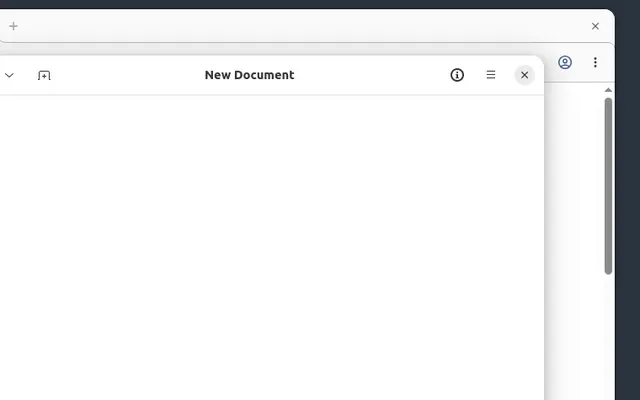
It runs on our cloud. It belongs to you.
A screen runs in our cloud, but it is your machine: you start it, your agent works on it, you can take it over, and it keeps running until you delete it.
Security built into every screen.
Your agent signs in to real accounts on its screen. These are the facts that keep those logins and that data to you.
See full securityEncrypted disks
Each screen's disk is encrypted at rest.
Its own virtual machine
Every screen is a separate VM with its own kernel. Nothing is shared with other customers' screens.
No open ports
A screen has no public door. It is reached only through Kubi's API, dashboard and MCP server, after sign-in.
Secrets never on disk
Passwords and tokens are put into memory when a screen starts, so no template, backup or export can hold one.
Keys you scope
Each API key gets only the permissions and the screens you pick: read, control, exec, power.
Every action recorded
Each click, keystroke and command is kept in the screen's history with who did it.
Your proxy fails closed
If your proxy goes down, the screen has no internet. Kubi never falls back to its own network.
Hosted in the EU
Screens, disks and backups stay in data centres in the EU.
A real computer, and it's yours.
Control it the way the task needs, get in as root, and take the whole disk with you when you leave.
Read the docsRoot, and anything on it
Debian with a full desktop, Chromium, Firefox, git, Python, Node and ffmpeg. Install any tool, language or agent harness.
Your proxy, for the whole screen
All of a screen's traffic leaves through your own proxy, not just the browser. If it fails, the screen goes offline instead of using Kubi's network.
Take it with you
Export the whole disk whenever you want, free, as one qcow2 image that converts to raw or VMDK.
Two ways to see and act
Pixel control for any app. The accessibility tree for exact, fast element targets.
Your network, your rules
Your proxy for the whole screen, and Tailscale for SSH from your own devices.
A person can always step in
Take control in the live view and give it back to the agent.
Pricing made simple
- $20a screen a month
- $0.035an hour while it runs
Screens
The same screen elsewhere, a month
- Kubi
$20$20 - Boat
$26.28$26.28 - Agent37
$26.50$26.50 - Orgo
$40$40 - AWS WorkSpaces
$68$68 - Daytona
$245.32$245.32 - E2B
$391.78$391.78
estimate
- 1 x $25 list
$25$25 - Founding price
-$5-$5
Founding price, kept while you stay subscribed.
Every screen comes with
- 4 vCPU, 8 GB RAM
- 50 GB disk
- Linux desktop
- Root access
- Live view, take control
- 30 days of history
- Templates, snapshots
- Your proxy, your secrets
- Free disk export
- API, SDK and MCP
Questions before you start.
Short answers here. The docs cover every detail.
What is a screen?
A Linux desktop in its own virtual machine, with 4 vCPU, 8 GB of memory, a 50 GB disk, Chromium, Firefox and a terminal. Your agent sees it, clicks and types on it, runs commands and moves files.
Which agents work with it?
Any that use MCP or a computer-use tool: Claude Code, Claude.ai, ChatGPT, Codex and Cursor over MCP, or your own loop through the TypeScript SDK or the API. You bring the model.
Does a screen ever sleep?
No. A persistent screen runs until you stop or delete it. Stopped, it keeps its disk and starts again as the same screen.
Can my agent run inside the screen?
Yes. Start it as a service on the screen and it keeps working with your laptop closed.
Why not rent a server and set it up myself?
You can. Then you install and keep running a desktop, a screenshot and click API, an MCP server, a live view with Take control, history, and a proxy path that can't leak. A screen comes with all of it.
Windows, macOS or GPUs?
Not now. Screens run Linux, with no GPU.
Is there a free trial?
$5 of credit for disposable screens when you add a card, about 140 hours.
How do I get in during the private beta?
Sign up and tell us what you are building. We read every request, talk to each person and approve in batches. Everyone who subscribes during the private beta keeps the $20 founding price.
Give your agent a desktop that stays on.
Private beta. Founding price $20 a screen a month, kept while you stay.